Back-to-school season is prime time for low-content publishers. Parents, teachers, and students are on the hunt for planners and workbooks that simplify academic life. For KDP creators, designing high-value, functional books with design tools like BookBolt Studio can translate into consistent passive income—especially when optimized with keyword research and formatting workflows.
By focusing on both content structure (layout, grade level, subject areas) and design usability, you can create planners and workbooks that stand out and sell.
1. Understanding Back-to-School Needs
Who is Buying?
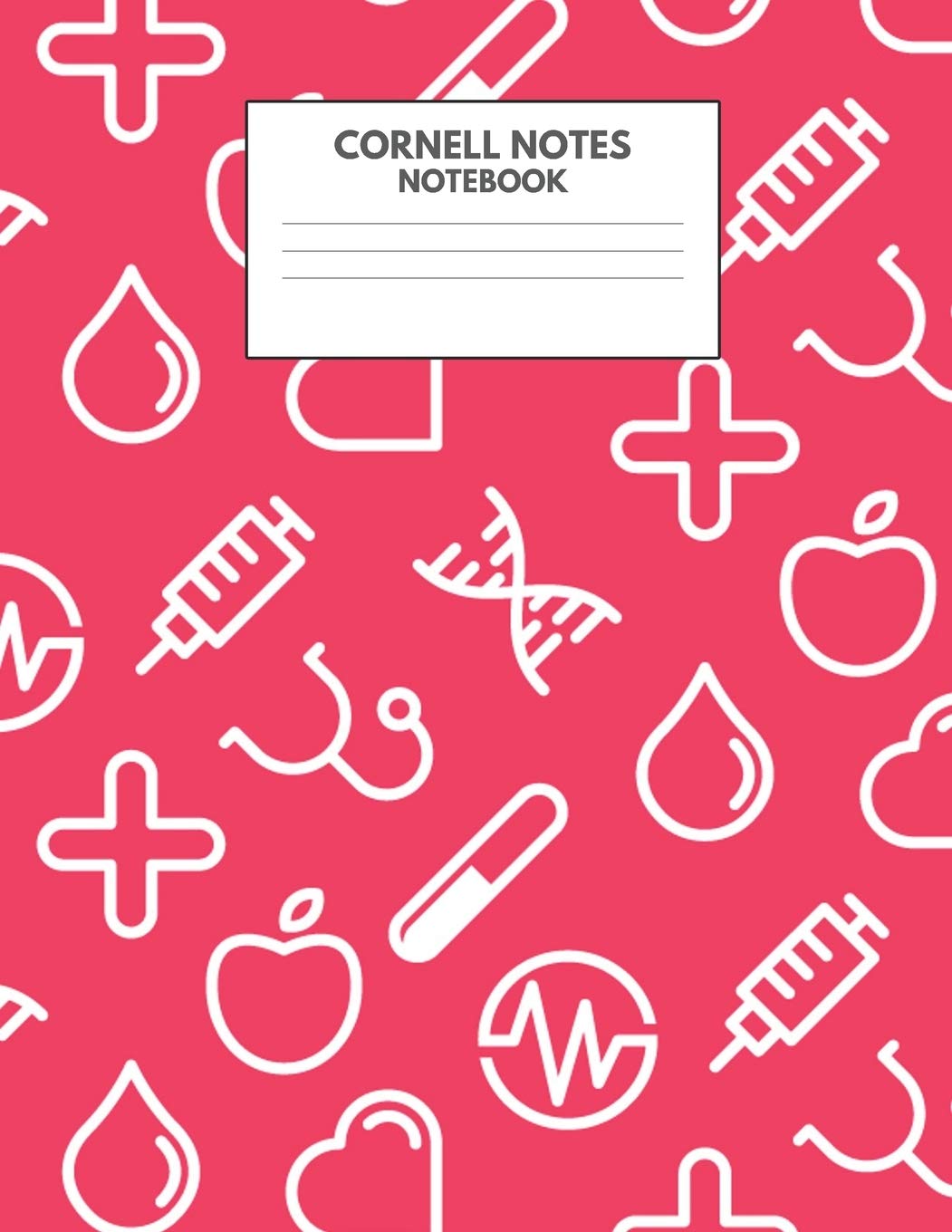
- Parents & Students: Elementary (simple, colorful layouts), Middle/High School (subject trackers, goal logs), College (undated formats, assignments/project logs).
- Teachers & Educators: Need lesson plan books, attendance logs, grade trackers—function over flair.
Why They Buy
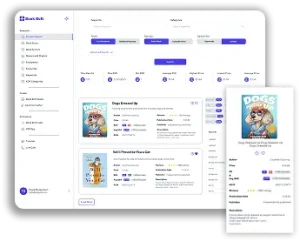
- Academic planners consistently rank among top low-content products on Amazon with strong search volume and consistent sales. Using BookBolt’s Product Search, publishers have identified that bestselling academic planners average Best Seller Rank (BSR) in the low millions and price points around $9.60.
- Activity planners help transition students calmly into the school year with coloring pages, puzzles, goal tracking, and themed content. These are especially useful for younger children.
2. Choosing Your Audience & Content Theme
Student-Focused Planner Ideas
- Elementary (Grades K–5): Big section dividers, fun stickers, simple weekly grids, themed activities.
- Middle/High School: Multi-subject trackers, study planners, event deadlines, extracurricular logs.
- College: Undated planners, project timelines, habit and goal-setting trackers.
Teacher-Focused Planner Ideas
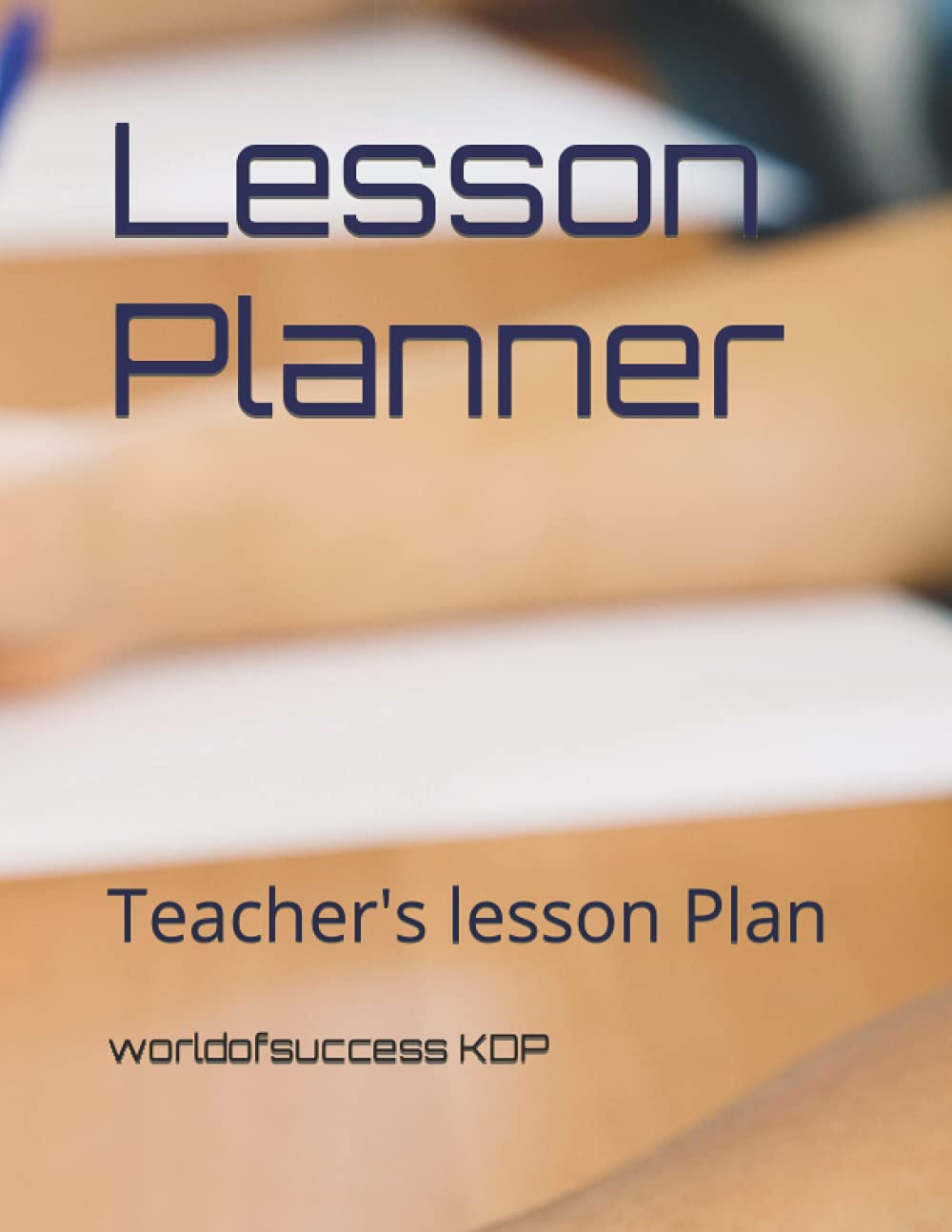
- Weekly lesson plan pages: Date, objectives, materials needed, notes.
- Classroom management logs: Attendance, behavior tracker, seating charts.
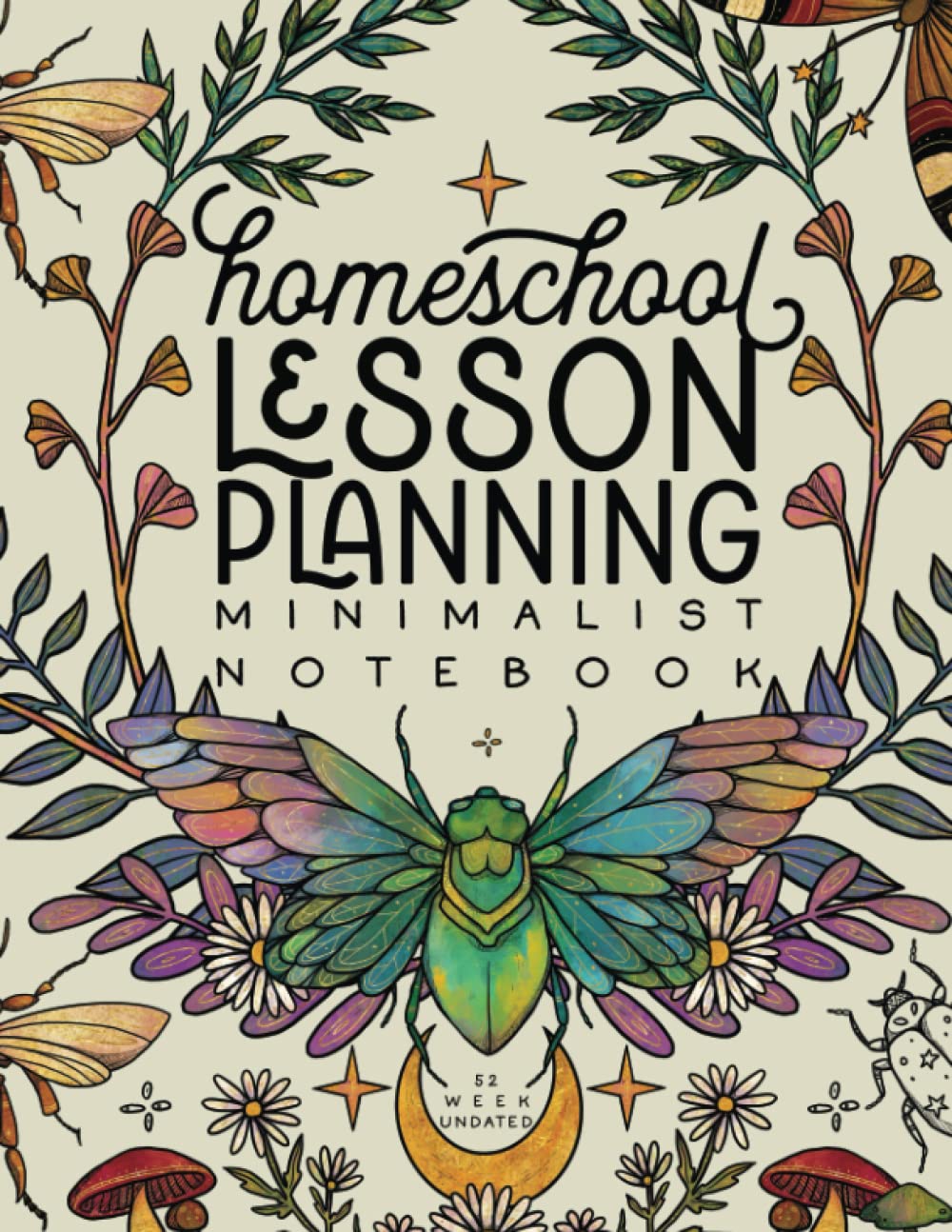
- Homeschool books: Combined for families with weekly schedules, assignment logs, maternity/special ed adaptations.
BookBolt’s interior templates and puzzle generators allow you to tailor content precisely for each audience with minimal design skill.
3. Planner Structure That Sells
Recommended Interior Layouts
- Monthly+Weekly Hybrid: Two-page spread with overview plus detailed weekly grid.
- Subject Pages: Specialized sheets like math logs, vocabulary lists, science experiments tracking.
- Goal & Reflection Pages: Space for monthly goals, quotes, habit trackers.
- Extras: Sticker mockup pages, name pages, contact info, future planning, and reference calendars.
BookBolt offers pre-made layouts specifically for Back‑to‑School planners that align with these structures.
4. Designing Interiors with BookBolt Studio
- Drag-and-Drop Editor: Access royalty-free fonts, clip art, and shapes to create professional interiors quickly.
- Custom Layouts: Use interior templates and modify for grade level, color palette, or subject-specific styles.
- Puzzle & Activity Integration: Add quick activities like coloring pages, mazes, word-search puzzles—perfect for elementary editions.
5. Research and Validation Using BookBolt Tools
Product and Trend Research
Use the Product Search module to test demand for terms like “academic planner 2025–26”, “teacher planner KDP”, or “student homework tracker.” According to BookBolt, academic planner sales are significant, with keywords like “academic calendar” and “academic organizer” pulling meaningful search volume. [[turn0search5]]
Keyword Strategy
BookBolt’s built-in Keyword Tool surfaces long-tail phrases like “elementary school planner printable” or “teacher lesson planner 2025.” You can use these in your title, description, and backend tags.
Competitor Intelligence
Using the Product Database and KDPSpy extension helps you analyze successful listings. Looking at top sellers reveals patterns: BSRs, pricing, interior sections, and gap opportunities (better quality, clearer layouts).
6. Creating Interiors & Formatting
- Build core layouts (month+week spreads) using Studio or interior wizard.
- Ensure proper margins and bleeds for KDP paperback upload.
- Use Interior PDF Combiner if you need to merge different layouts (e.g., weekly + subject resource pages).
- Generate puzzle pages or coloring sections as Thanksgiving bundlers or DIY warm-up activities for younger grades.
7. Launch Metadata & Pricing Strategy
Titles & Descriptions
Use clear, keyword-rich titles like:
- 2025–2026 Academic Planner for Students – Monthly & Weekly Homework Tracker for Middle School
- Teacher Lesson Plan & Class Management Binder – KDP Editable 2025–2026
Descriptions should highlight:
- Grade/teacher type
- Layout features (42 weekly spreads, goal pages, resource sheets)
- Extras (100 stickers, PDF digital edition, printable pages)
Pricing Benchmarks
BookBolt’s data shows typical pricing between $4.50–$20, with average price around $9.60. Many bestsellers price near $9.99 for optimal royalty balance. [[turn0search5]]
Pricing too low undercuts value; too high removes competitive position in search.
8. Marketing Your Planner
Visual Preview Strategy
Post flat-lay mockups showing interior layouts, stickers, and sample pages—especially effective on Pinterest or school-focused Facebook groups.
Advertising & SEO
- Use Amazon Sponsored Product Ads targeting discovered keywords.
- Optimize KDP listing metadata with BookBolt keyword analytics.
Seasonal Timing
Launch July through mid-August to catch pre-school purchases and preorder momentum.
Social & Influencer Tactics
Collaborate with teacher or mom influencers for early reviews and classroom use case videos. Offer free digital sheets or complementary PDF pages to gather email leads.
9. Bonus Section: Planner Ideas to Create Now
- Elementary Goal & Gratitude Journal (with weekly prompts & sticker pack)
- High School Homework & Subject Resource Tracker
- Teacher Lesson Planner + Behavior Management Log
- Homeschool Weekly Schedule & Curriculum Tracker
- College Undated Organizer with Project/Habit Tracker
Each of these can be designed in BookBolt Studio, validated with market research tools, and targeted by metadata based on keyword insight and listing gaps.
Bonus: Planner Worksheet
Below you can find a Back-to-School Planner Worksheet, which includes:
- Target audience selection (student/teacher)
- Layout module checklist (weekly, monthly, extras)
- Keyword and title planning grid
- Pricing and niche validation section
- Launch preparation timeline
Final Takeaways
- Focus on real needs: educators and students want structure over aesthetics.
- Use BookBolt’s suite—from trend research to studio layouts to keyword tools—for efficient content creation.
- Follow Amazon’s best practices: clear formatting, keyword-rich metadata, competitive pricing.
- Build once, adapt forever: undated interiors, multiple cover variations, seasonal launches.
With BookBolt and these strategies, you’re equipped to create planners and workbooks that deliver genuine back-to-school value—and consistent passive income for your publishing business.
Back‑to‑School Planner Worksheet
1. Audience & Theme
- Target: (Student / Teacher / Grade Level / Subject Type)
- Core Use Case: __________________________
2. Layout Planning
- ❏ Monthly Calendar (grid layout)
- ❏ Weekly Planner (M‑S format)
- ❏ Goal Tracker
- ❏ Habit Log
- ❏ Subject Resource Pages / Math / Vocabulary / Science
3. Extras & Engagement
- ❏ Motivational Quotes
- ❏ Coloring Pages / Puzzles (if student-targeted)
- ❏ Teacher Tools (attendance, seating chart)
- ❏ Stickers or novelty pages
4. Keyword & Metadata Strategy
- Primary Title Keywords: __________________________________________________
- Subtitle Options: __________________________________________________________
- Long‑Tail Keywords: ______________________________________________________
5. Competitor Research Notes
- Best Seller Examples:
- Title | Price | Layout Features | Gaps to Improve
- Interior Styles to Emulate or Edge Out:
6. Pricing & Launch Planning
- Suggested Price Point: $____ to $____
- Launch Timing: ___________________________________________________________
- Listing Checklist:
- Cover Preview
- Interior Sample
- Description drafted
- Keywords added