Designing low-content books may seem simple on the surface—after all, they often contain few words and repeat similar layouts. But the real key to success on Amazon KDP is understanding your audience and creating books that reflect their desires, solve their problems, and meet their expectations. When you align your design choices with what your customers are actually looking for, your books are more likely to connect, convert, and generate repeat sales.
In this article, we’ll explore:
- The psychology of buyers and how it affects design
- Specific customer personas for popular KDP low-content books
- Key design principles to boost usability and satisfaction
- How to use BookBolt’s tools to ensure your books resonate
- Examples of resonant design for different niche markets
- Final thoughts and next steps
Let’s dive in.
What Does It Mean to “Resonate” with Customers?
A book “resonates” when it fulfills a need better than other options—and it does so with clear intention. This means:
- The design aligns with the customer’s use case
- The layout feels intuitive and easy to navigate
- The cover speaks directly to their aesthetic or lifestyle
- It feels personal, not generic or mass-produced
Your book should feel like it was made for them.
Understand the Psychology of Low-Content Buyers
Unlike high-content book buyers (who may read for hours at a time), low-content book buyers:
- Want tools to organize, plan, track, or express themselves
- Expect quick utility (easy to start using immediately)
- Often seek books to improve daily habits or special events
- Prefer designs that are simple, soothing, or fun—not cluttered or overly stylized
They’re not looking for “wow”—they’re looking for usable, relevant, and relatable.
Map Customer Personas to Design Needs
Let’s break down some common buyers of low-content books and what they care about most:
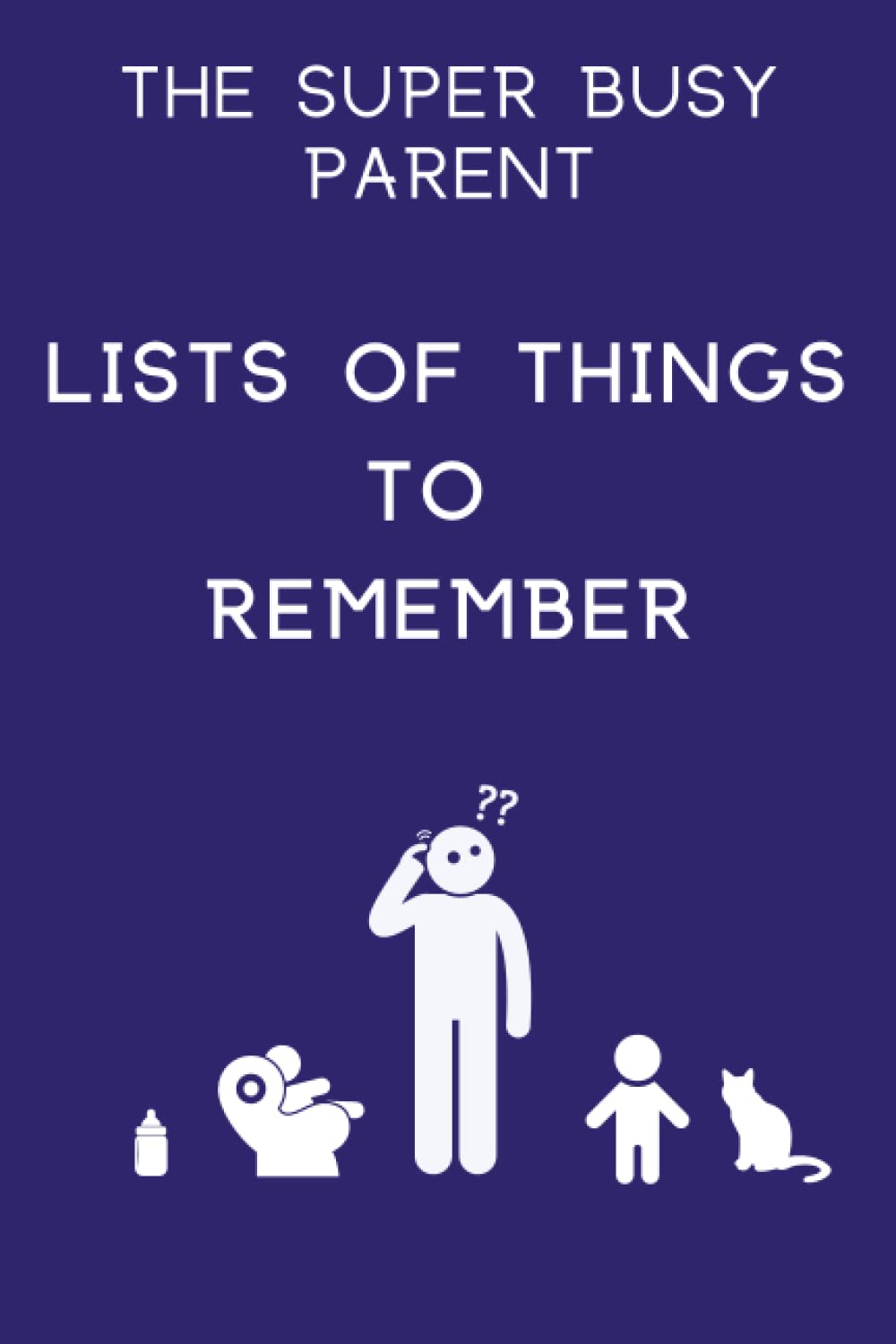
1. The Busy Parent
- Buying: Meal planners, chore charts, kids’ activity books, gratitude journals
- Wants: Simplicity, large writing areas, bright but not overwhelming visuals
- Design Tip: Use intuitive sections, clear labeling, and “quick start” features like pre-filled examples
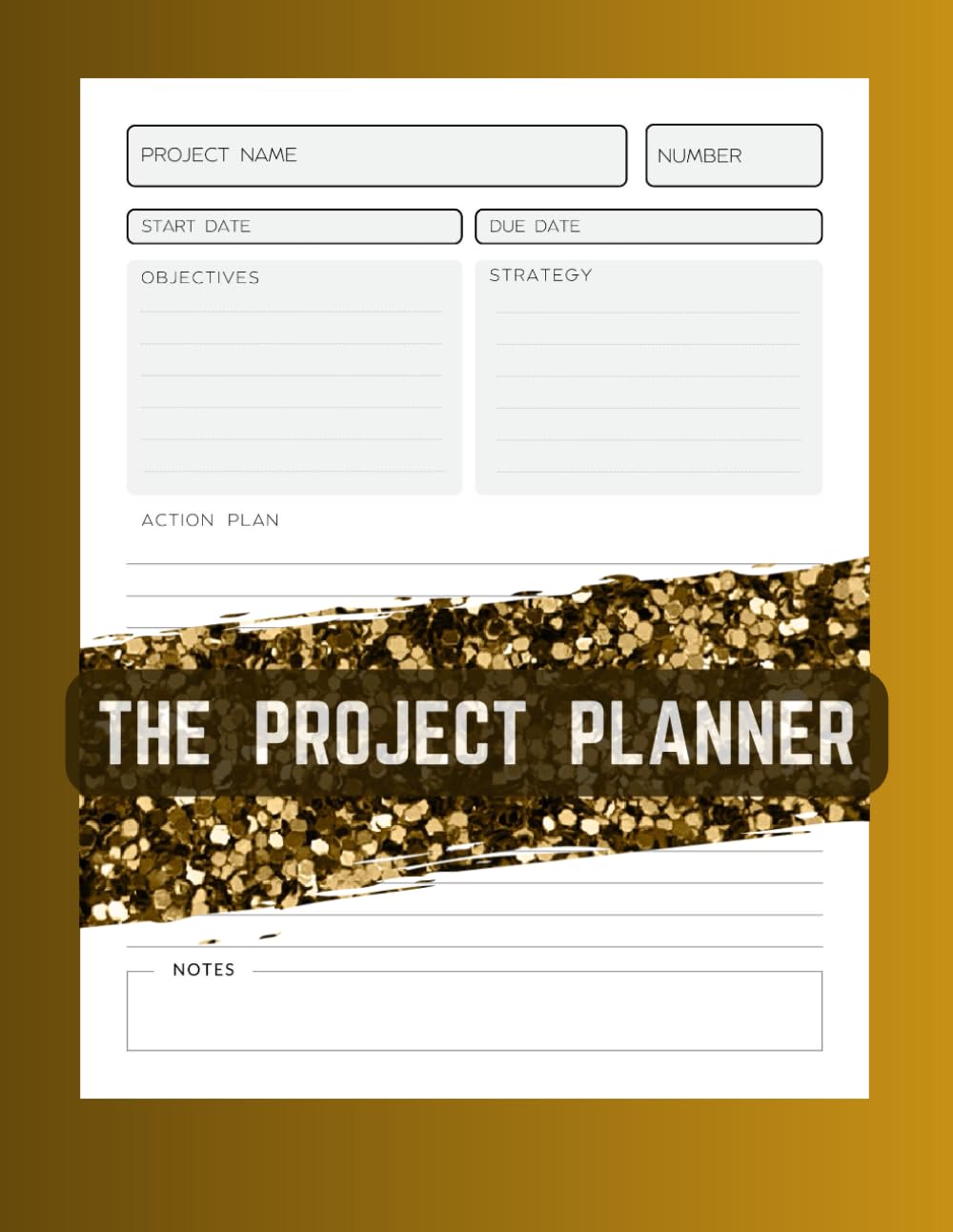
2. The Goal-Oriented Professional
- Buying: Productivity planners, bullet journals, project trackers
- Wants: Efficiency, minimalism, time-based layouts
- Design Tip: Think calendars, checkboxes, daily/weekly breakdowns, no frills
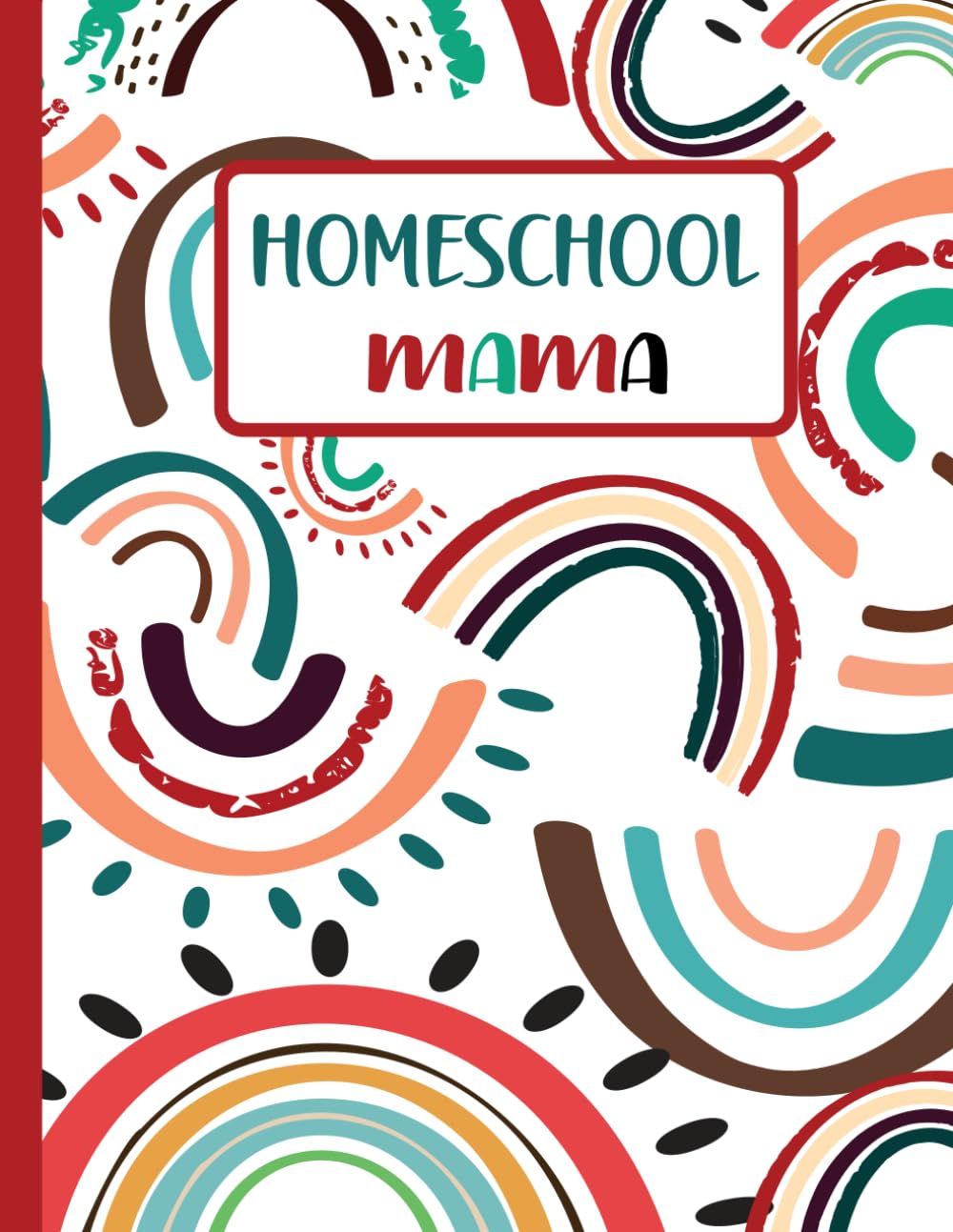
3. The Teacher or Homeschool Parent
- Buying: Educational workbooks, lesson planners, logbooks
- Wants: Functional tools, reproducible pages, clear fonts
- Design Tip: Stick to basic line art and easy-to-read typography; avoid trendy designs
4. The Hobbyist or Creative
- Buying: Sketchbooks, idea journals, travel logs
- Wants: Inspiration, aesthetic appeal, open-ended layouts
- Design Tip: Leave more white space, use dotted or gridded pages, and lean into artistic cover themes
5. The Gift Buyer
- Buying: Personalized journals, memory books, holiday planners
- Wants: Sentimental, stylish, high perceived value
- Design Tip: Use elegant fonts, thematic illustrations, and strong branding
Key Design Principles for Resonance
1. Clarity and Usability
Every page should have a clear purpose. Avoid overdesigning or cramming too much on one spread. Low-content books aren’t about showing off design—they’re about helping the customer do something easily.
Checklist:
- Use legible fonts (12pt or more)
- Maintain consistent margins and spacing
- Include headers and prompts that guide usage
2. Consistency and Flow
Users often skim first and then engage deeply. Make sure your layouts are predictable from page to page.
Tip: Use BookBolt Studio’s duplication tools to create clean page sets—then customize slightly to avoid repetition fatigue.
3. Emotion and Aesthetics
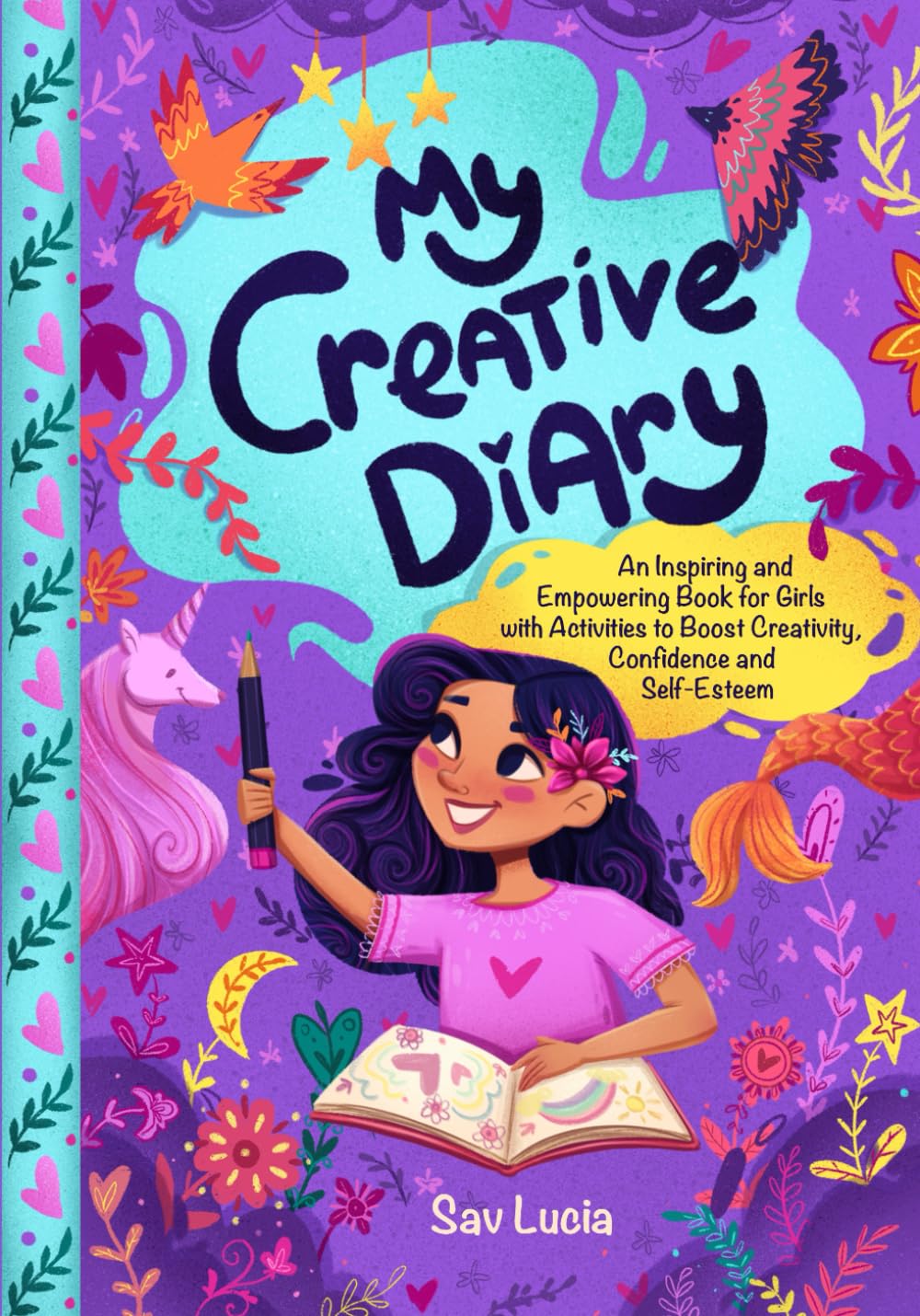
Color palettes and covers evoke feelings. A kids’ activity book with muted earth tones might not connect as well as one with vibrant primary colors.
Tip: Use BookBolt Studio’s integrated image libraries (like Pixabay and Unsplash) to find niche-relevant visuals that align with your audience’s vibe.
Use BookBolt Tools to Know and Serve Your Audience
BookBolt gives you more than just design capabilities—it also helps you gather data about customer preferences. Here’s how to leverage them:
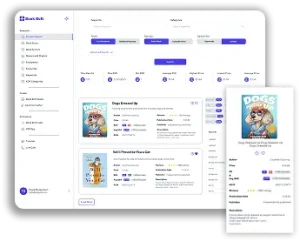
1. Use Cloud for Real-Time Trends
Cloud shows top-selling books in every niche. Study the top results in your category and answer:
- What colors or fonts dominate the covers?
- What interior features (trackers, prompts, grids) are common?
- Are books more aesthetic or functional?
Pro Tip: Click into listings and read customer reviews. You’ll find gold like:
“I wish this had a daily page too” or “the font was hard to read.”
2. Keyword Research = Customer Intent
Use the Keyword Finder to see what customers are searching for. High-volume, low-competition phrases signal unmet needs.
Example:
- “Self-care planner for moms” = strong niche
- “Daily mood tracker for teens” = narrow but possibly untapped
Design your pages to reflect the words people are actually using.
3. Design Studio = Rapid Testing
Studio lets you mock up and iterate quickly. You can:
- Clone layouts for A/B testing different headers
- Drag-and-drop design modules (calendar grids, prompts, trackers)
- Switch fonts, images, and page types with just a few clicks
Real-World Design Examples by Niche
Self-Help Journal for Women
- Pastel floral covers
- Prompts like “Today I am grateful for…” and “One small win”
- Pages alternating between guided and open-ended writing
Kids’ Summer Activity Book
- Bold primary color cover
- Pages with simple instructions + puzzles + mazes
- Large fonts, line spacing, and frequent illustrations
College Student Planner
- Minimalist, black-and-white interior
- Monthly and weekly layouts
- Budget trackers, GPA calculator, class schedule matrix
Each of these succeeds not because of the “design skill” per se—but because the design aligns with what the buyer expects and needs.
Advanced Tips for Customer-First Design
A. Test with Real Users
Ask friends or community groups to review your interior PDF. Ask:
- Is anything confusing?
- What’s missing?
- What did they like best?
Even two or three responses can yield game-changing insights.
B. Offer Extras (and Track Results)
Include a back-page QR code to a bonus download:
- Printable checklist
- Color version of a tracker
- Link to matching notebook
BookBolt Studio lets you easily add QR codes or URLs to your final page or cover.
C. Create Series for Repeat Customers
Once your first book resonates, continue the line:
- Daily vs Weekly editions
- Seasonal versions
- Add-on companion books (e.g., gratitude journal + meditation log)
This keeps customers inside your brand and leads to compounding sales.
Quick Reference: Audience-to-Design Table
| Audience Type | Interior Priorities | Design Tips |
|---|---|---|
| Moms | Gratitude, meal, kid activity | Bold section headers, floral accents |
| Students | Weekly planning, budgeting | Minimalist, easy checkboxes |
| Travelers | Logs, maps, prompts | Light backgrounds, open layouts |
| Artists | Sketching, ideas | Dotted or blank pages, elegant fonts |
| Kids | Puzzles, coloring, fun prompts | Bright colors, large font sizes |
Conclusion: Design with Purpose
Your design doesn’t have to be flashy or overly clever. It just has to feel right to the person buying and using the book. When your layout helps them achieve their goal—whether it’s organizing their day, expressing their feelings, or entertaining their child—you build trust. And trust creates repeat customers.
With BookBolt’s suite of tools—from research to design to publishing—you can develop a customer-first mindset and turn ideas into bestselling low-content books that readers don’t just buy… but love.
BONUS: EXAMPLE INTERIOR LAYOUTS FOR
DIFFERENT CUSTOMER PERSONAS
Here are ready-to-implement layout ideas for low-content books across a range of common audiences. These examples can be quickly built using BookBolt Studio’s drag-and-drop modules and duplication tools.
1. Busy Parent — Family Organizer Planner
Book Type: 3-Month Undated Planner
Interior Features:
- Monthly Spread (2 pages): Calendar grid + “Family Priorities” sidebar
- Weekly Planner Pages: Each spread includes:
- Meal plan section (Mon–Sun)
- Kids’ activity schedule
- Grocery checklist
- Habit Tracker: Hydration, sleep, screen time
- Notes Page at end of each week
Design Notes:
- Use icons (baby bottles, soccer balls, etc.) from BookBolt’s image library
- Use soft colors like teal and lavender to ease visual load
- Font: Rounded sans-serif for warmth and legibility
2. Goal-Oriented Professional — 90-Day Productivity Tracker
Book Type: Time-blocking journal
Interior Features:
- Daily Layout:
- Hour-by-hour schedule (6am–9pm)
- Top 3 priorities
- “Quick Wins” checklist
- End-of-day reflection box
- Weekly Review Page: Prompts for reviewing challenges, wins, and next steps
- Monthly Planning Page: Goal-setting and progress check-in
Design Notes:
- Black-and-white design for print economy and professional tone
- Use vertical lines and shaded boxes for clear separation
- Font: Clean serif like Georgia or Source Serif Pro
3. Homeschool Parent — Reading Log & Learning Tracker
Book Type: Learning Companion Logbook
Interior Features:
- Reading Log Pages:
- Date, title, author, page range, notes
- Assignment Tracker:
- Subject, topic, due date, checklist
- Weekly Review Section:
- “What We Learned”
- “Areas to Improve”
- Bonus Pages: Book wish list, library visit tracker
Design Notes:
- Include ruled and graph page alternates
- Add child-friendly borders from BookBolt Studio graphics
- Font: Friendly, easy-to-read font like Comic Neue or Open Dyslexic
4. Creative Hobbyist — Idea Journal & Sketch Pad
Book Type: Hybrid Journal for Artists & Writers
Interior Features:
- Idea Capture Pages:
- Prompt box (“What inspired this idea?”)
- Sketch box (blank)
- Keywords/tag box
- Blank Sketch Pages: Alternating with light dot grid pages
- Project Planning Pages:
- Project name, medium, budget, deadline, stages
Design Notes:
- Soft gray dot grids for minimal interference
- Add inspirational quotes in footers (royalty-free)
- Font: Artistic script header + simple body font (e.g., Montserrat)
5. Pet Lover — Pet Care Logbook
Book Type: Health & Routine Tracker for Dog or Cat Owners
Interior Features:
- Pet Profile Page: Name, breed, age, vet info
- Daily Tracker:
- Feeding times
- Walk schedule
- Mood/behavior notes
- Vet Visit Log: Date, symptoms, treatment, follow-up
- Medication Tracker
- Grooming Schedule
Design Notes:
- Use paw print and bone icons (available in BookBolt Studio)
- Use warm colors like tan or soft blue
- Font: Fun serif or playful script headers with clean body text
These layout ideas can be customized using BookBolt’s prebuilt modules, or created from scratch within Studio for a truly personalized result. By thinking through the actual needs and routines of your end customer, you build resonant interiors that not only stand out in a crowded market—but actually get used and recommended.