Summer travel season is here—making it the perfect time to publish travel-themed activity books. These pocket-sized companions appeal to travelers seeking structure, memory-keeping, and skill-building on the go. From map guides and itinerary planners to language-learning journals, these books serve both practical needs and the joy of exploration.
With BookBolt, you can design, research, and publish professional-quality travel activity books quickly and cost-effectively. Let’s dive into how to ideate, design, and scale these creative offerings.
1. Why Travel Activity Books Are a Growth Opportunity
Market demand is strong across travel journals, planners, and learning aids:
- The Trip Planner and Travel Journal (8×10″) by TopPublishing ranks highly during peak travel seasons, blending itinerary logging with memory prompts.
- Road Trip Activity Journal for Kids, featuring over 100 travel-themed prompts and puzzles, holds a consistent BSR under 200K.
- Travel Log Journal with Maps & Expenses shows strong appeal for adults tracking route, budget, and memorabilia.
These examples cover three major traveler activity book categories:
- Planning & Itinerary Books
- Adventure Logs & Memory Journals
- Language Practice Guides
Each taps into distinct buyer motivations—organization, nostalgia, or cultural engagement.
2. BookBolt Tools That Make These Books Happen
A. Keyword Research
- Use Keyword Finder on phrases like “travel planner”, “itinerary journal”, and “travel English workbook”.
- Evaluate monthly search volume and competition to ensure the niche is worth targeting.
B. Interior Wizard & PDF Combiner Pro
- Link trip worksheets (date, destination, lodging, packing) with dot-grid pages, language prompt pages, or scavenger log templates.
- Combine themed sections for map tracing, packing checklists, and phrasebook entries.
C. BookBolt Studio
- Design interactive pages – sketches of maps, phrase tables, packing lists with checkboxes.
- Add graphic elements: travel icons, arrows, flags, speech bubbles for language prompts.
D. Cover Designer
- Create travel-themed covers featuring compass motifs, passport stamps, or map backdrops.
- Title variations:
- “Trip Tracker & Itinerary Planner”
- “Wanderlust Memory Journal”
- “Travel Language Phrasebook & Workbook”
E. Listing Optimizer & A+ Content
- Ensure your title/subtitle include keywords from research.
- Upload interior preview images showcasing sections like sample itineraries, travel maps, or language practice pages.
- Use A+ modules to highlight interior pages visually.
3. Core Product Formats & Structure
Format 1: Itinerary + Trip Planner
- Size: 6×9 or 8×10
- Include sections for multiple trips: travel dates, flight details, accommodation, must-see list
- Add cost tracker and mileage tabulation
Format 2: Adventure Memory Log
- “+” pages with map outlines to highlight visited regions
- Prompts like “My most memorable moment”, “Most delicious meal”
- Dot-grid or scrap space for map sketches, ticket stubs, photos
Format 3: Language Phrasebook & Practice
- Choose a language or multilingual setup
- Include sections for travel keywords: “Where is…?”, “How much?”, politeness phrases
- Writing exercise pages: “Write your hotel request here”
- Add QR code section to scan pronunciation audio
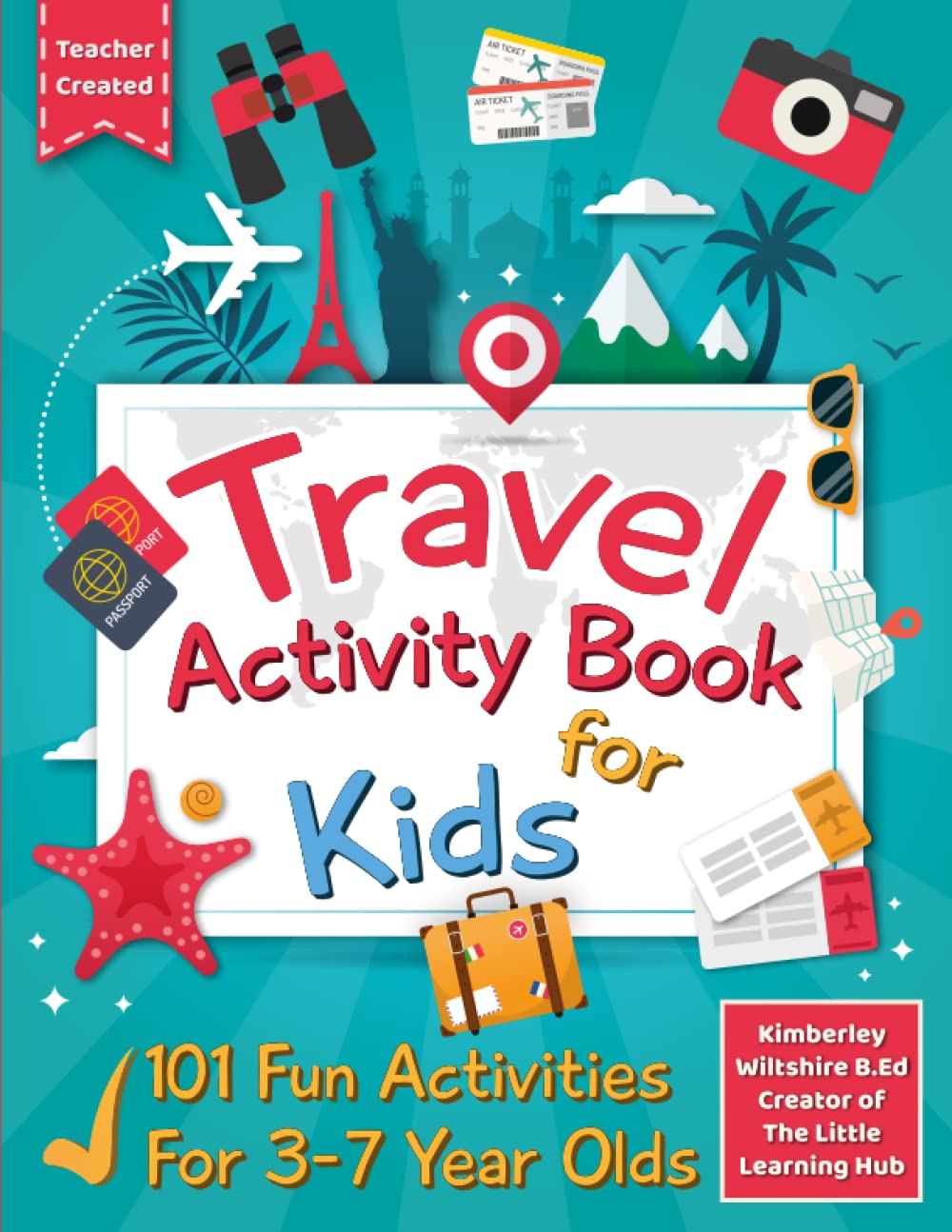
Format 4: Kid Travel Activity Book
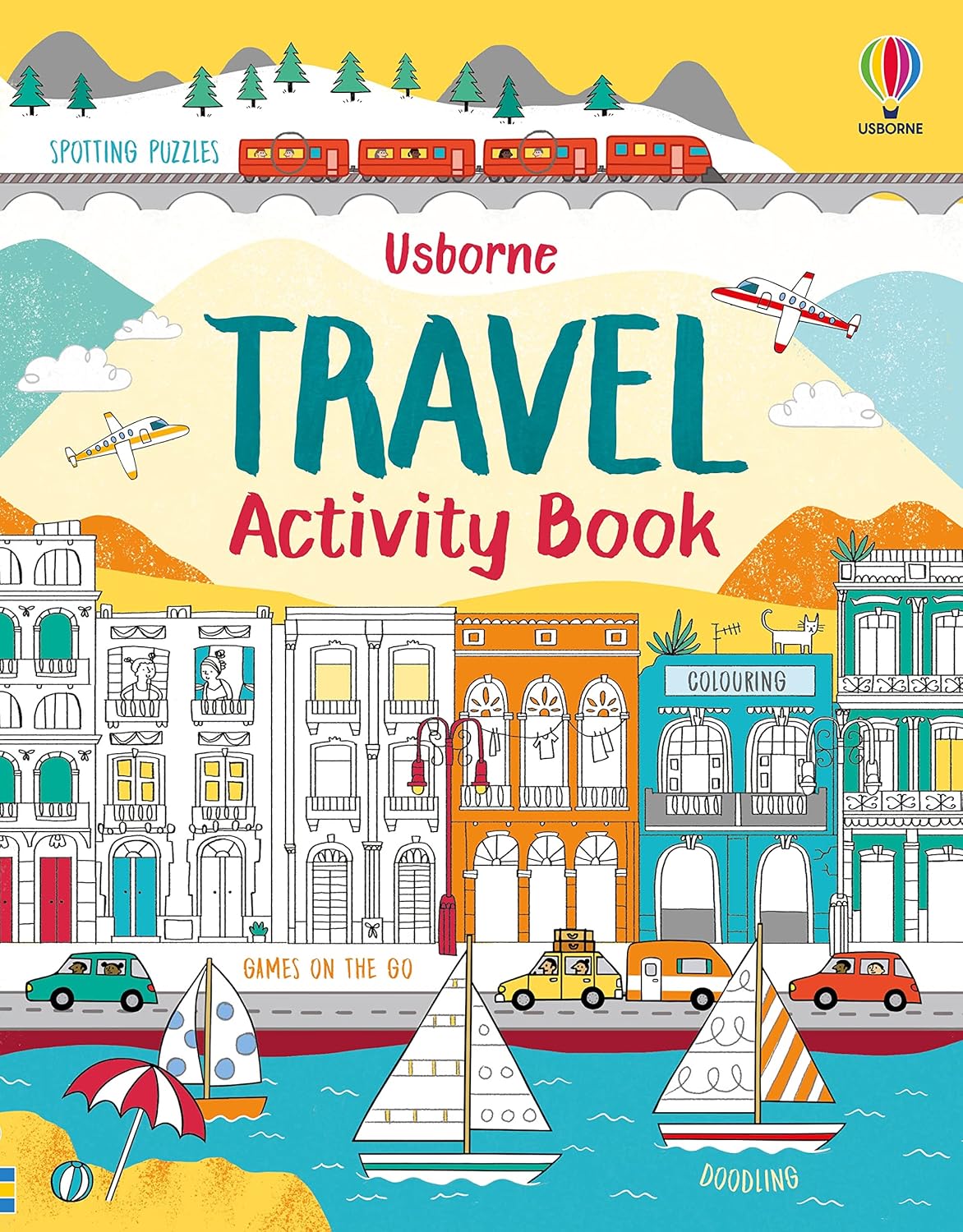
- Mix puzzles, coloring maps, scavenger hunt checklists, phrase learning
- Inspired by Road Trip Activities for Kids (110 pages, puzzles, games, maps)
4. Step-by-Step Design & Publishing Workflow
Step 1: Research & Validate
- Use Keyword Finder on primary phrases—identify search volume, low-medium competition.
- Check top listings on Amazon for interior styling and naming conventions.
Step 2: Build Interiors
- In Wizard, create trip or itinerary layout pages.
- In Combiner, insert phrase tables or map pages.
- In Studio, add illustrative headers, icons, and layout polish.
Step 3: Design Cover
- Select appropriate trim & bleed
- Add travel-themed imagery, crisp fonts, classier palette
Step 4: Optimize Listing
- Optimize title: “Travel Phrasebook & Itinerary Journal”
- Use Listing Optimizer to ensure inclusion of main keywords, semantic variations (“guide”, “tracker”)
- Choose categories like “Travel Journals” or “Language Learning”
Step 5: Create Mockups & A+ Preview
- Interior page visuals: itinerary sample, map coloring spread, phrasebook table
- Use A+ banner to promote features: “Includes trip planning + memory pages + language guides”

Step 6: Launch & Promote
- Schedule for late spring—ideal timing
- Launch Amazon PPC campaigns targeting “travel planner”, “travel phrasebook”
- Use social promotion: travel bloggers, kid-travel communities, cultural influencers
Step 7: Track & Iterate
- Load BSR & keyword tracking in Listing Optimizer
- Implement A/B cover variants
- Expand into other languages or regional itineraries
5. Real-World Inspiration & Insights
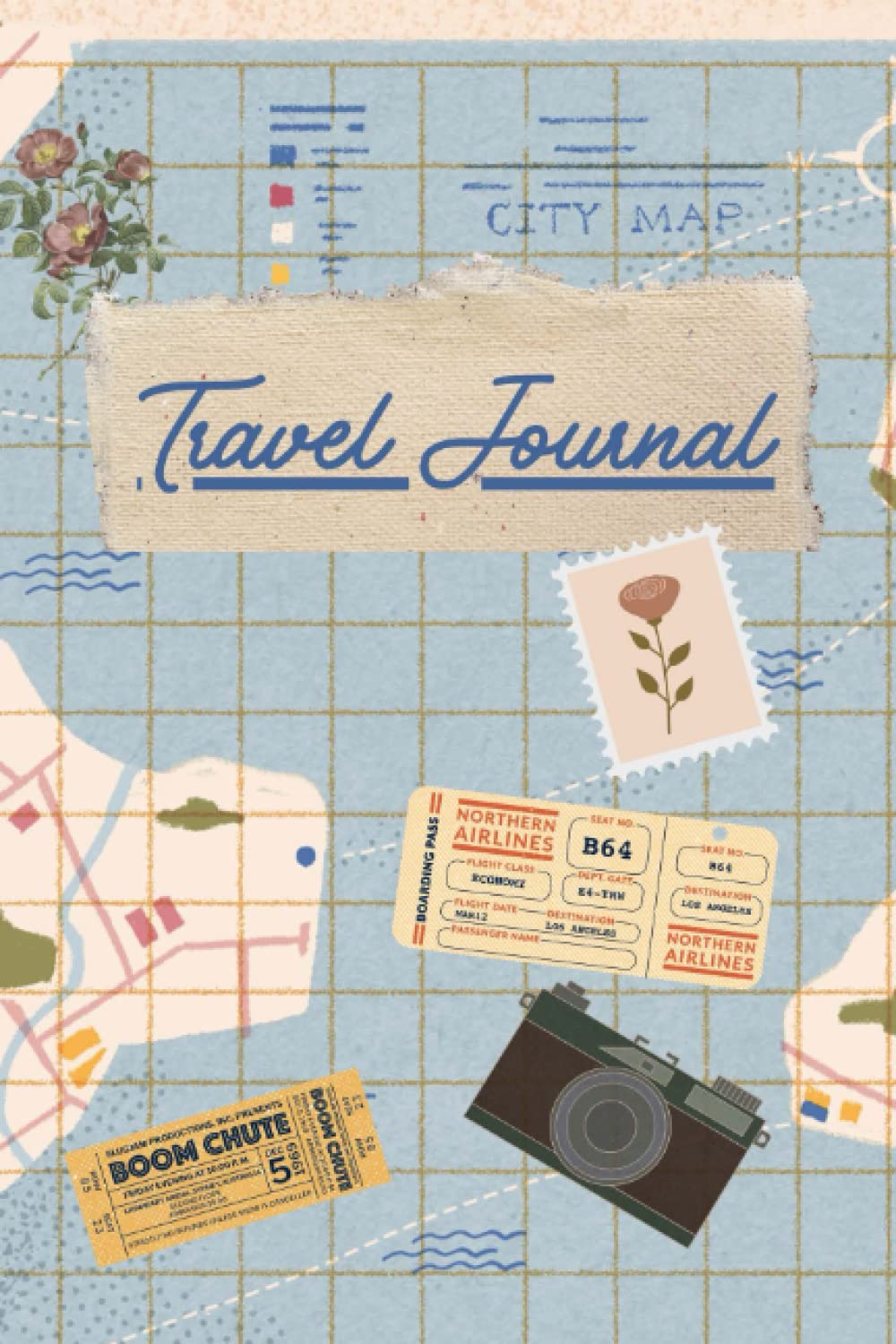
- Trip Planner & Travel Journal (TopPublishing): includes four trips, maps pages, cost tables—as sellers note it “keeps travel plans & memories in one place”.
- Travel Log Journal with dot map pages tracks ideas, budgets, activities—well-reviewed for trip structure.
- Kids’ Travel Activity Book by Simon Zach: includes maps, puzzles, 110 pages of journey-based activities—popular for screen-free engagement.
These listings share several success factors:
- Structured multi-section layouts
- Thematic pages (maps, itineraries, activities)
- Broad functionality: planning + memory + learning
- High perceived value at an affordable price ($7–$12)
6. Variation & Scaling Strategies
- Region-Specific Editions: “Italy Itinerary & Phrasebook“ or “Florida Family Travel Journal”
- Language Extensions: additional languages or bilingual editions
- Digital Companions: offer downloadable PDF maps or checklist printables
- Bundle Options: pair phrasebook with itinerary planner in a listing or A+ content upsell
7. Launch Checklist
| Task | Done? |
|---|---|
| Keyword research completed | |
| Niche type selected | |
| Interiors designed via Wizard/Studio | |
| Cover created with thematic branding | |
| Listing optimized with SEO tools | |
| A+ Content and mockups finalized | |
| Launch scheduled (April–June) | |
| PPC campaigns planned | |
| Tracking and analytics set | |
| Expansion strategy ready |
Final Thoughts
Travel activity books merge organization, creativity, and memory—a powerful blend for low-content publishers. Using BookBolt tools, you can bring these multifunctional books to market quickly, with professional-quality interiors and optimized listings.
Start by validating one niche, design a polished Bible-style activity book, and launch early in spring to ride the travel wave. From there, expand regionally, linguistically, and stylistically for a scalable portfolio.
Here’s to helping travelers plan, preserve, and celebrate every adventure—with a well-designed BookBolt book in hand!